All guides
Getting started 3 min
Install Qovah
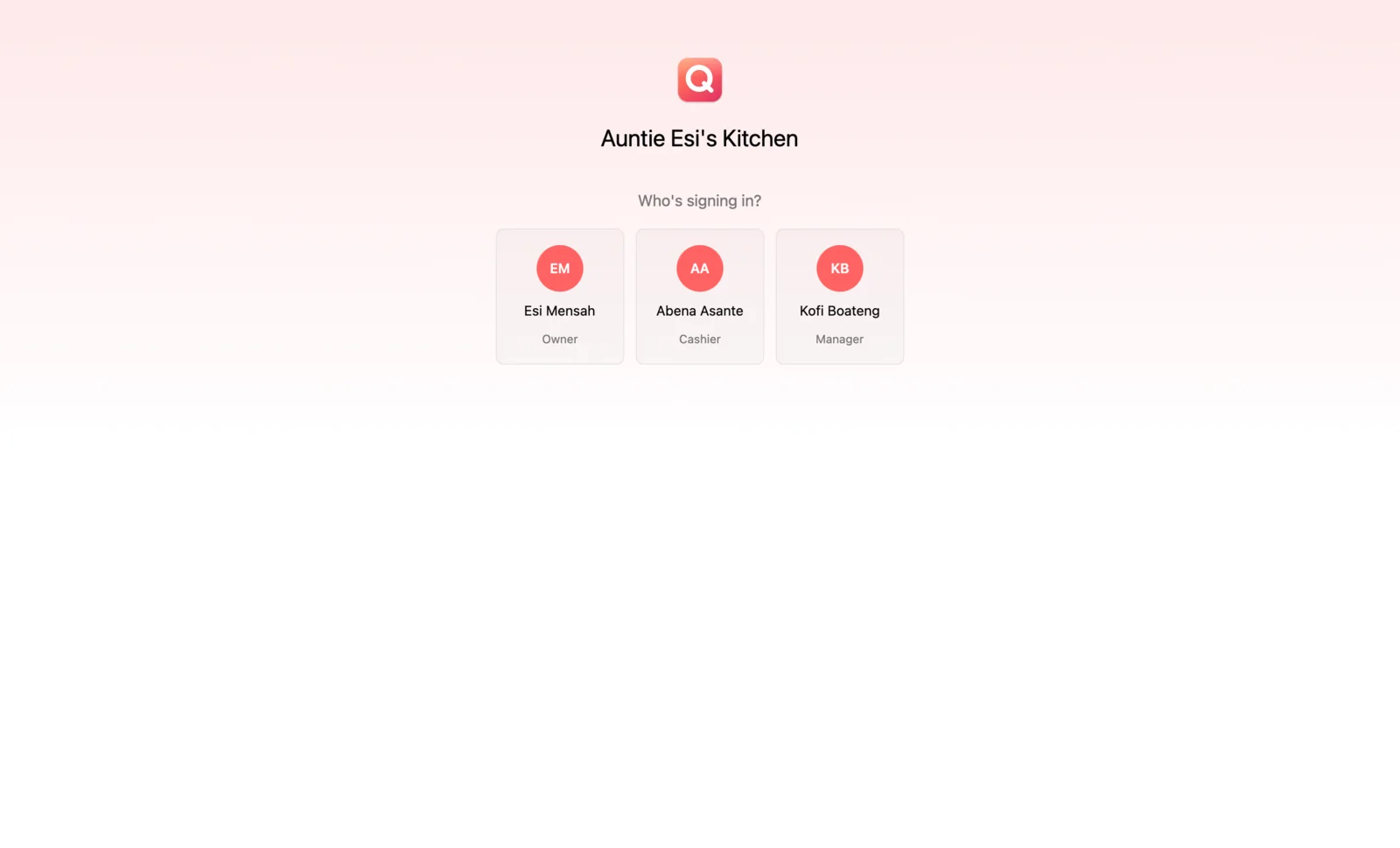
Download Qovah Desktop for your computer and open it for the first time. You don't need it to start: the till also runs in your browser.
- 1
Download the installer
Go to the Download page. It picks the right file for your computer: a .msi for Windows 10 or later, and a .deb or AppImage for Linux. Desktop for macOS is coming soon; on a Mac, use the till in your browser.
- 2
Windows: run the installer
If SmartScreen says it protected your PC, choose More info, then Run anyway. Qovah installs for your account only, so it doesn't ask for an administrator.
- 3
Linux: install the package
On Ubuntu, Debian, Mint or Pop!_OS, run sudo apt install ./qovah-desktop_<version>_amd64.deb. On other distributions, make the AppImage executable and open it.