Get paid
Cash, MoMo or card. Keep a record of every sale.
Take cash at the counter, or collect money on your own MoMo phone or card terminal. Record it in Qovah, give the customer a receipt and see your totals by payment method.
14 free days of Cloud Growth · No card · Nothing to install
Cash in the drawer
Enter what the customer hands you. Qovah works out the change and records the cash sale.
MoMo on your phone
Check that the payment reached your own MoMo account. Record it at the till with its transaction reference.
Card on your terminal
Collect the payment on your card terminal, then record it in Qovah. Your card provider handles the money as usual.
Recording an external payment does not move money or verify it with your provider. Check that it arrived before completing the sale.
Know how the day was paid.
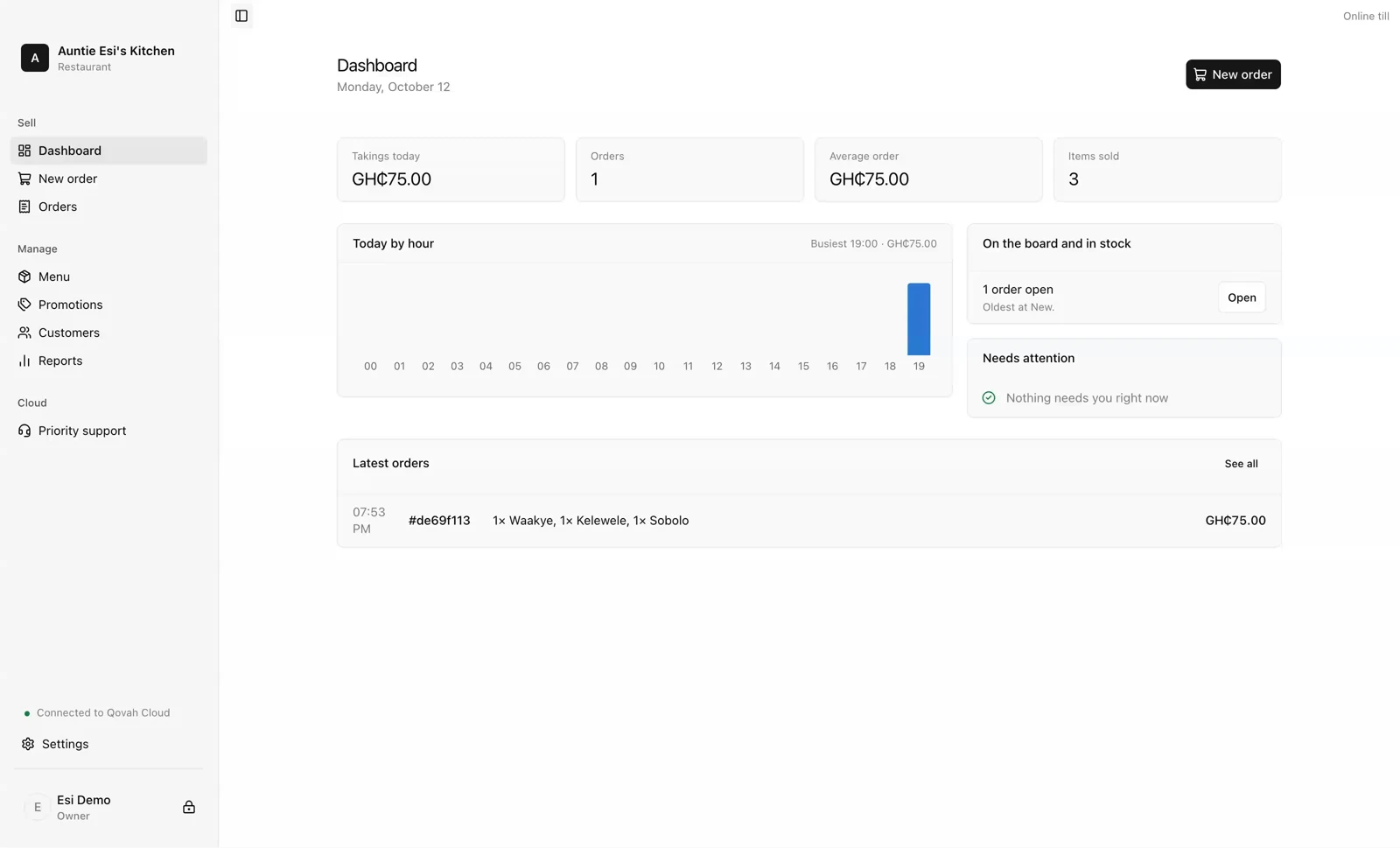
Cash, mobile money and card stay separate in your reports. See what you sold and how customers paid, without counting a MoMo payment as cash in the drawer.
Payment links and MoMo prompts.
The Paystack integration is built, but live collection is not available yet. You cannot use it to collect real payments today. Once available, it will also need a verified payout account and Qovah's approval of your business.
The flow will let customers pay by link or approve a MoMo prompt on their own phone. Qovah will record the payment only after the provider confirms it.
Read how it will workGetting paid, answered.
Start free for 14 days.
Open your browser and start recording sales today. No card and nothing to install.